Game notes
Games with a setup of their own, beyond the remaps shared by their console. The box art comes from libretro-thumbnails; all game art belongs to its owners.
GoldenEye 007
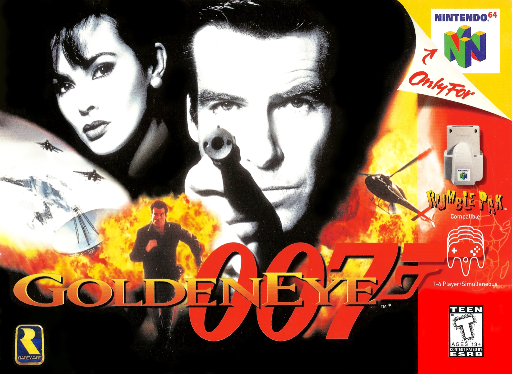
Nintendo 64, players 1 to 4: modern twin-stick controls, like a shooter of today. One game remap (Mupen64Plus-Next\GoldenEye 007 (USA).rmp) and two of the game's own options.
| Your controller | Sends (N64) | In GoldenEye |
|---|---|---|
| Left stick | C-buttons | Move forward / back, strafe |
| Right stick | Control stick | Look and turn |
| L1 or R2 | Z | Fire |
| L2 or R1 | L or R | Aim (target) |
In the game's own options (in the game, not RetroArch's):
| Option | Value |
|---|---|
| Control Style | 1.2 Solitaire |
| Look Up/Down | Upright |
The sticks are swapped by the remap: the N64's single stick goes to the right stick, its C-buttons to the left stick. With 1.2 Solitaire, the C-buttons move and strafe, and the stick looks and turns.
Metal Slug
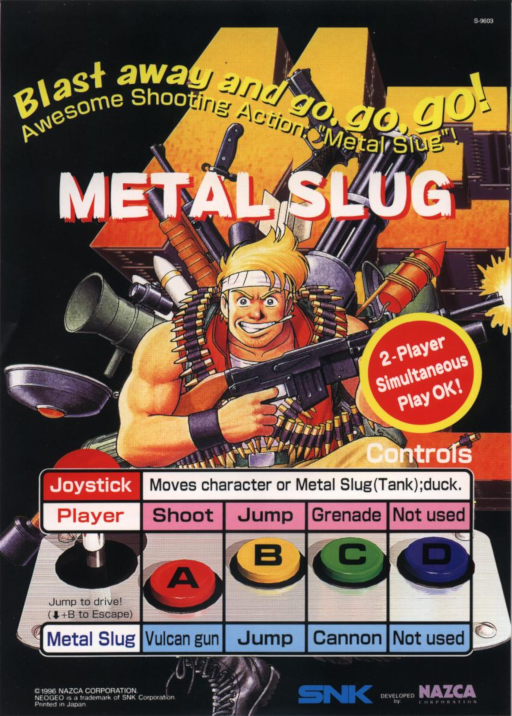
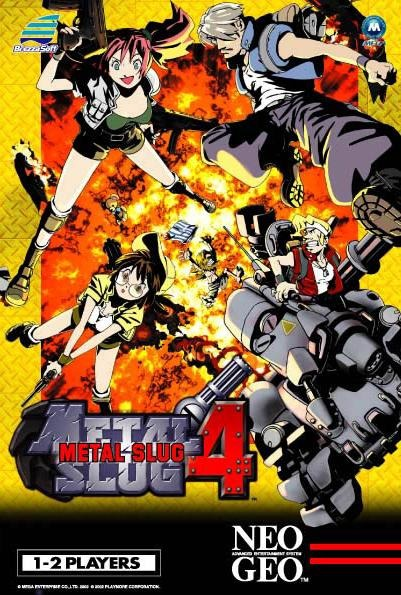
Arcade (FinalBurn Neo), Metal Slug 1 to 4, players 1 and 2: one game remap each (mslug, mslug2, mslug3, mslug4), all the same.
| Button | Does |
|---|---|
| Left (Y) | Shoot (the arcade's A). Hold it to keep shooting |
| Bottom (B) | Jump (B) |
| Right (A) | Grenade (C) |
The shoot button turns its own turbo on, while it is held:
| Setting (Quick Menu → Controls → Turbo Fire) | Value |
|---|---|
| Turbo Mode | Single Button (Hold) |
| Turbo Bind | Y |
| Turbo Button | Y |
DOOM
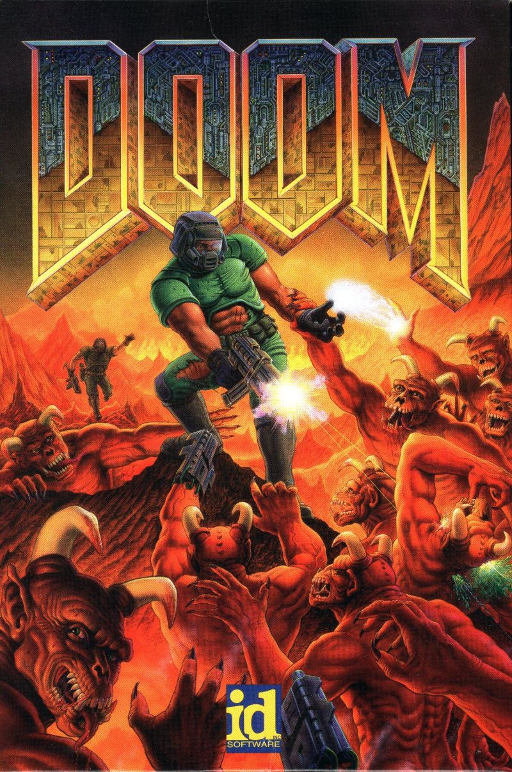
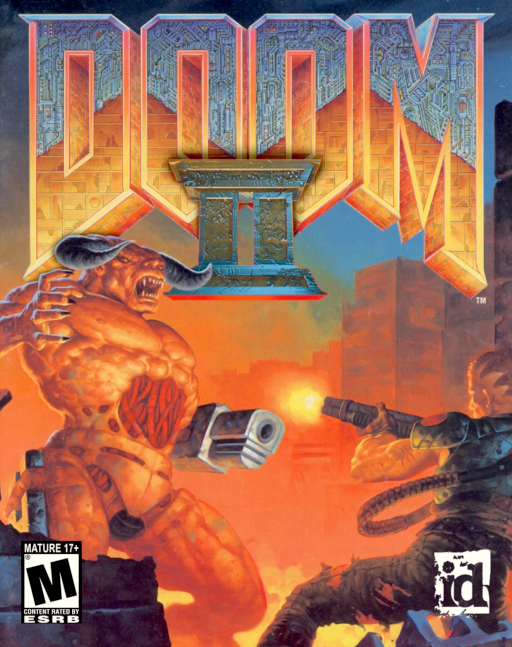
PrBoom, every game: the core remap (PrBoom\PrBoom.rmp), made on the phone.
| Button | Remapped |
|---|---|
| Right (A) | sends B |
| Bottom (B) | sends Y |
| Left (Y) | sends A |
| L / R | swapped: L saves, R loads (PrBoom's own saves, in the game, with their own slots) |
| Left stick | moves, players 1 to 8 |
Port 1 Controls → Device Type is not the RetroPad in this remap (input_libretro_device_p1 = "773"): leave it as the remap sets it.
Select is also DOOM's map button
Select + L, R or R2 (the RetroArch shortcuts) also opens DOOM's map, or fires. In DOOM, save and load with L and R alone, and use only Select + X (the RetroArch menu).
Micro Machines
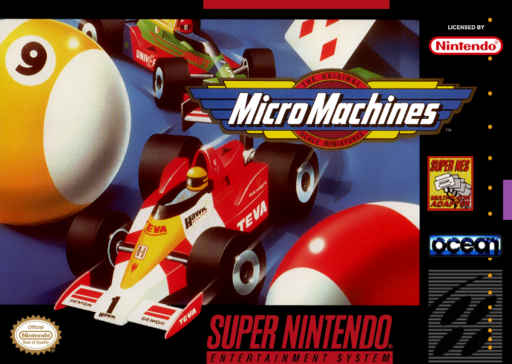
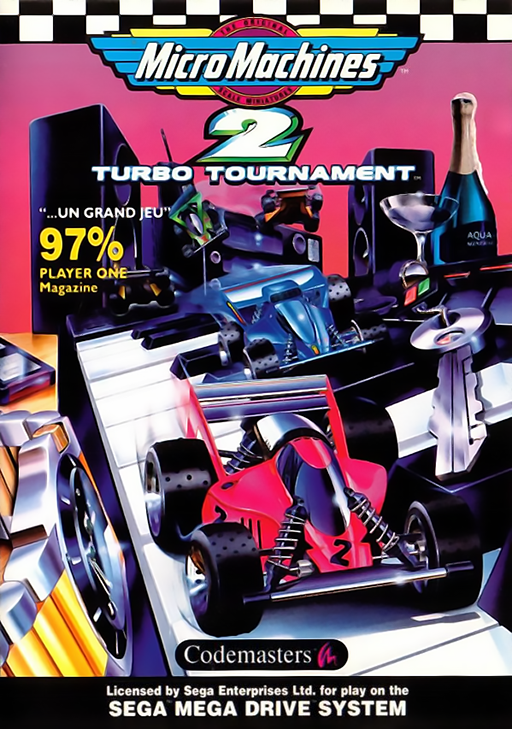
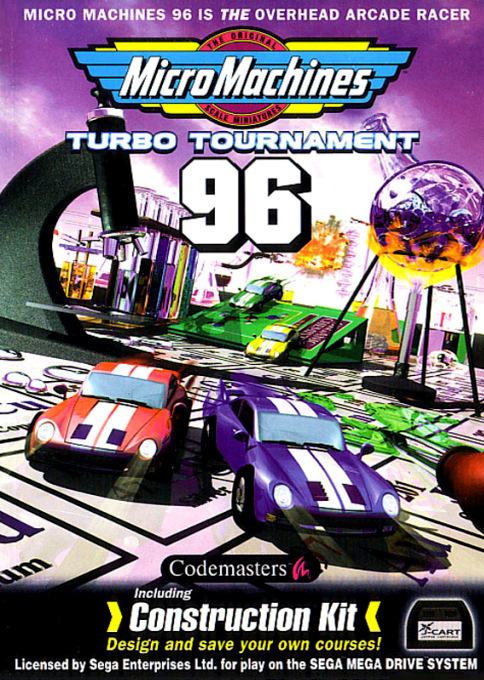
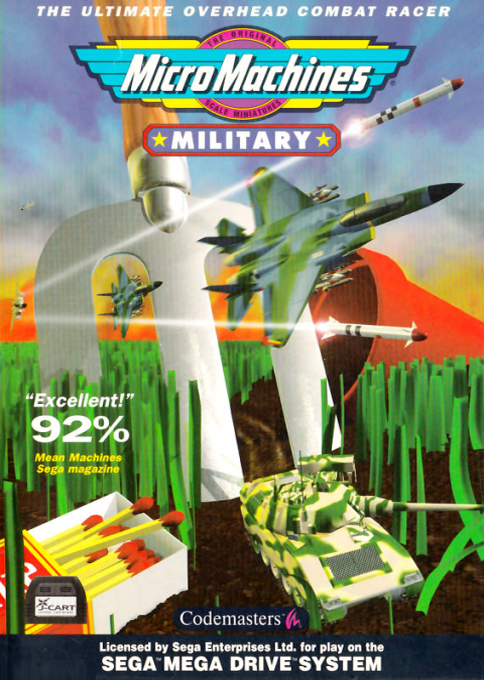
| Game | Players | Setup |
|---|---|---|
| Micro Machines (Super Nintendo) | 4 | The multitap remap: with it, 4 controllers; without it, 2 players share each controller (see Multiplayer) |
| Micro Machines 2, Turbo Tournament 96, Military (Mega Drive) | 4 | J-Cart: nothing to set (see Multiplayer) |
On the PC
Quick Menu → On-Screen Overlay → Overlay Scale 1.020 shows the Mega Drive J-Cart games better in their bezel. It is not saved: set it each time.
Tetris: two Game Boys
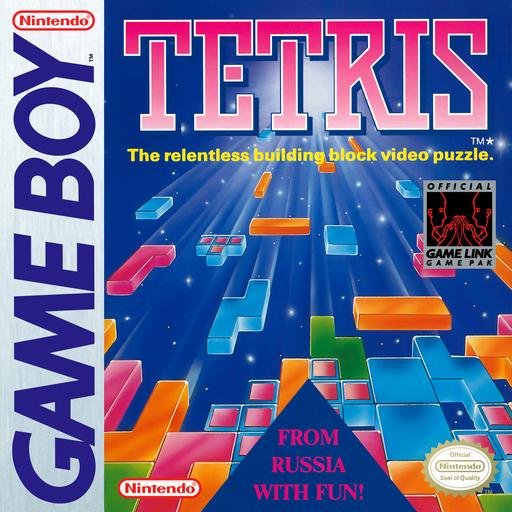
The same game on both sides, linked: the 2-player mode of Tetris (see Multiplayer).
| Step | |
|---|---|
| 1 | Main Menu → Load Core → TGB Dual |
| 2 | Load Content → Tetris (World) (Rev 1).zip → Load Archive: the game starts twice, side by side |
| 3 | In each game: 2 Player |
Pokémon: two Game Boys
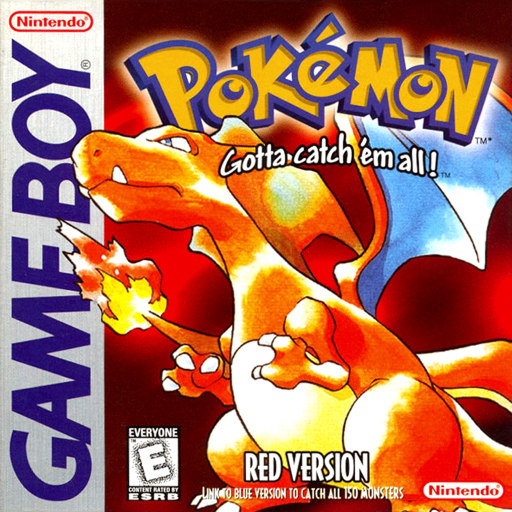
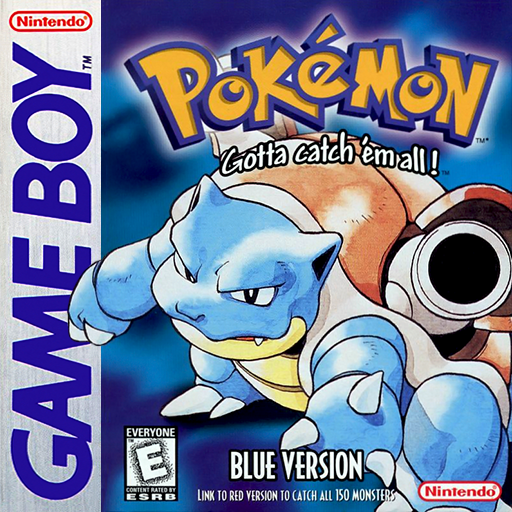
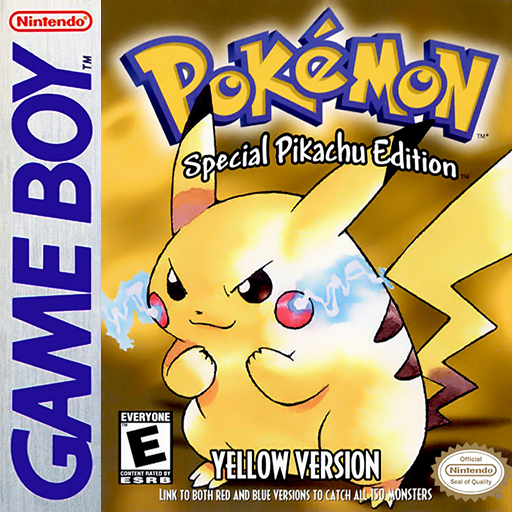
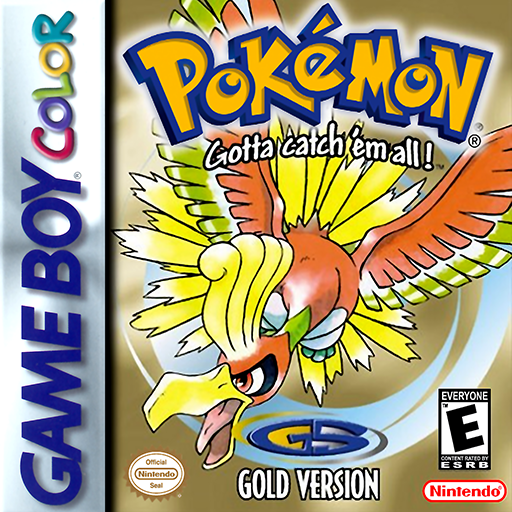
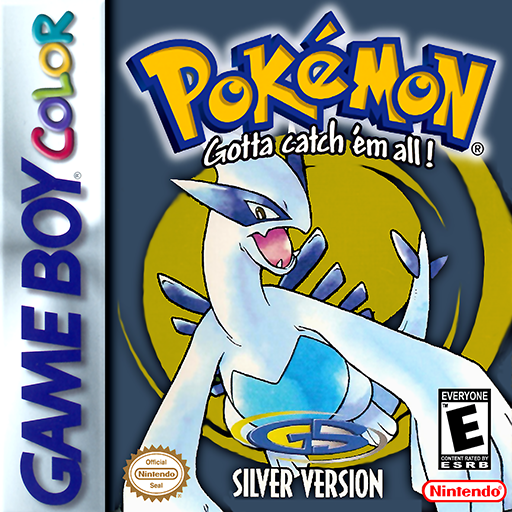
Two different games, linked: trades and battles between Pokémon Gold and Silver, or between Red, Blue and Yellow (see Multiplayer). The steps below, with Gold and Silver.
| Step | |
|---|---|
| 1 | Main Menu → Load Core → TGB Dual |
| 2 | Main Menu → Subsystems → Load 2 Player Game Boy Link → Pokemon - Gold Version (...).zip → Browse Archive → the .gbc file |
| 3 | Subsystems → Load 2 Player Game Boy Link again → Pokemon - Silver Version (...).zip, the same way |
| 4 | Subsystems → Start 2 Player Game Boy Link: both games start, side by side |
| 5 | In each game: a Pokémon Center, upstairs, the link cable counter |
Do not use Load Archive
In steps 2 and 3, always choose Browse Archive, then the .gbc file. Never Load Archive: it puts the same game on both sides, and the two different games are never linked.
Super Puyo Puyo Tsuu Remix
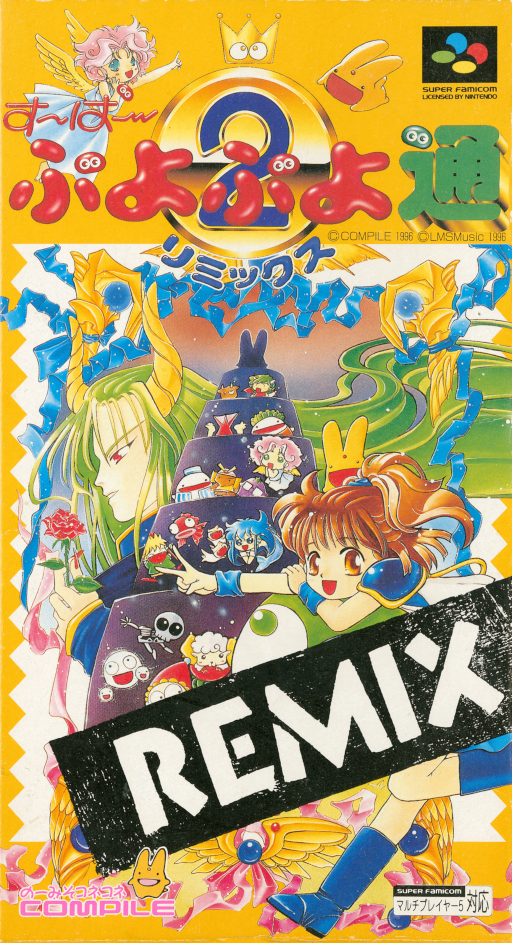
Super Nintendo, 2 to 4 players (4 with the multitap). The menus are rabbits, then grids:
| Players | Choose |
|---|---|
| 2 | The 2nd rabbit (2 puyos), then a grid |
| 3 | The 3rd rabbit (3 + 1 puyos), then the 1st rabbit, then a grid |
| 4 | The 3rd rabbit (3 + 1 puyos), then the 2nd rabbit, then a grid |
| Grid | Puyos to link | Mode |
|---|---|---|
| 1st (top left) | 4 | Classic |
| 4th (bottom left) | 6 | Hard |
| 5th (bottom middle) | 2 | Easy |
Puyo Puyo Fever
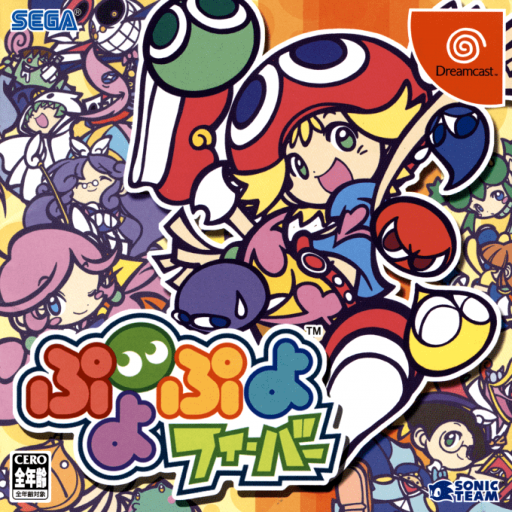
Dreamcast. The game has English built in, but starts in Japanese. Set it once: the choice is saved on the memory card (VMU), and loads each time the game starts.
| Step | Screen | Do |
|---|---|---|
| 1 | Main menu | Right to the 4th bubble, おぷしょん (Options), A |
| 2 | Options | Down to ことば ≫ (Language), the 7th line, just below Dreamcastメインメニュー画面設定 ≫, A |
| 3 | Language | ことば (Text): left / right to 英語 (English). Leave おんせい (Voice) on 日本語 (Japanese) |
| 4 | Language | B (終了, Exit): back to Options, still in Japanese |
| 5 | Options | B again: おぷしょんの設定を変えますか? (Change the option settings?) → <はい> (Yes), A. The menus are now in English |
| 6 | Options | Save/Load ≫ → Save, A |
Note
A is the bottom button and B the right button, as on the Dreamcast controller.